Some updates from the wonderful world of tessellations.
After an already long journey on the topic, I felt it was time to tidy up and rationalise what I have learnt so far. I am proud to announce the next phase of these following open-source, volunteer-led projects:
Version 0.4.2 of the editor, available as a responsive, mobile-first web application at https://editor.tessell.art, as well as a desktop application bundled via Tauri for Windows, macOS, and Linux. The editor has been developed entirely with Scala.js / Laminar.
Two foundation Scala libraries used by the editor:
I found changing the colors of shapes frustrating, it takes too many steps, ideally it would work more like the paint bucket tool, where as long as its selected, clicking on any polygon re-colors it
I found the eraser a bit confusing: you need to select the tool, then the polygon, then either its center or one of the edges, but that choice doesn’t seem to change anything ?
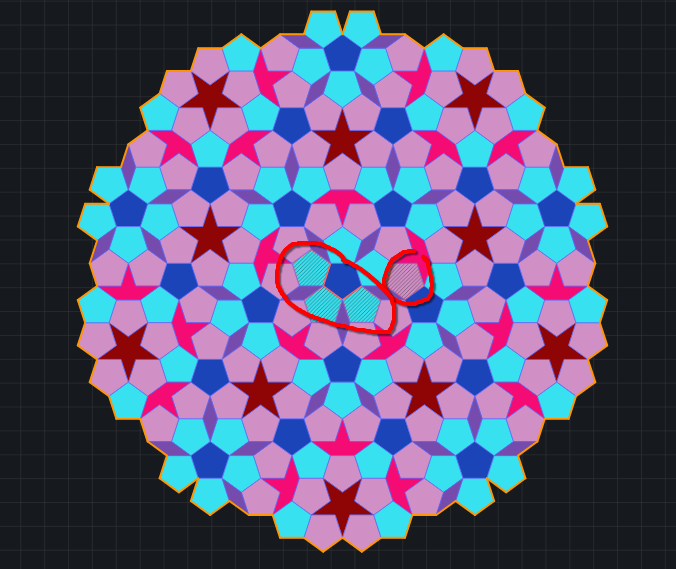
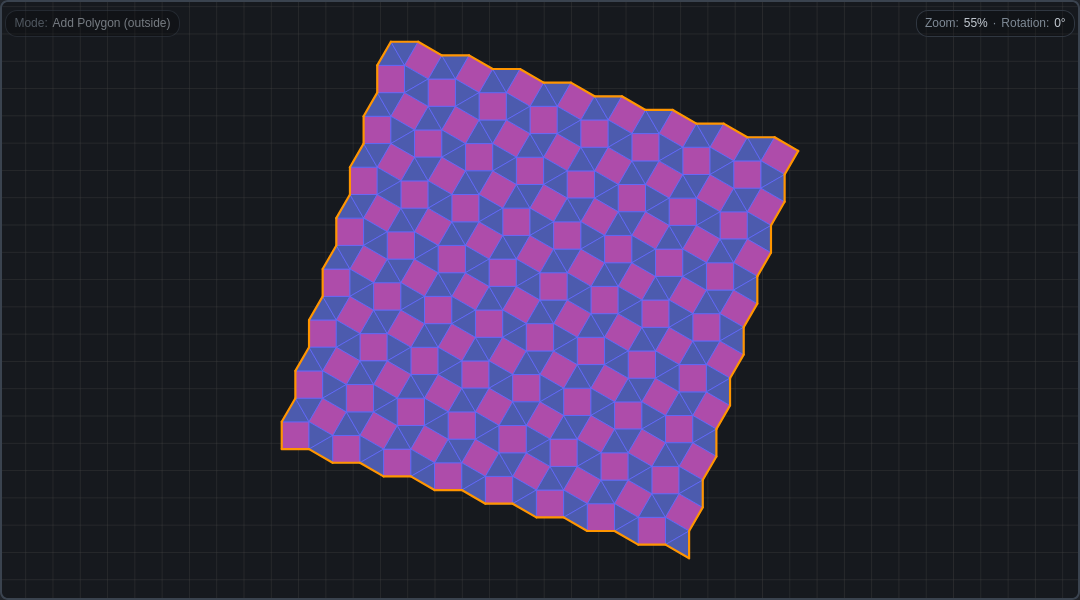
I understood that the orange edges are the perimeter, but I don’t understand why there are also some on the inside ? This is how the preset penrose_P1.svg looks for me (I added the red circles):
Thanks for the feedback, really helpful, a fresh perspective from a new user is invaluable.
I will try to answer your points, rearranging them in a different order:
and 4. greyed out means selected and for good (but possibly bad ) measure the selected polygons have also a light orange border, probably confusing. If you deselect them, all these will disappear. Use the Deselect all button — or press Esc — to clear the selection. See Editor user guide — tessell.art
If in the “SHAPES” palette you select a square, you get also “Select all squares” and “Fill all squares with…” buttons. In the Penrose case, they do nothing, simply because it contains no squares. But if you select a pentagon, or pick the shape of a “star”, you can use those buttons to select all the polygons of the given shape and change their color.
There is not a “paint bucket” tool, usually it is intended to spread the color across similar regions with no boundaries, but here each polygon is enclosed. Nevertheless, I think I get what you mean, a “brush” tool that instead of selecting and then changing the color, just paints each polygon touched. It could be added. In my experience having the possibility to select all polygons of a given shape, or of a given color, and then changing the color of the whole lot tends to be more useful, but I see your point.
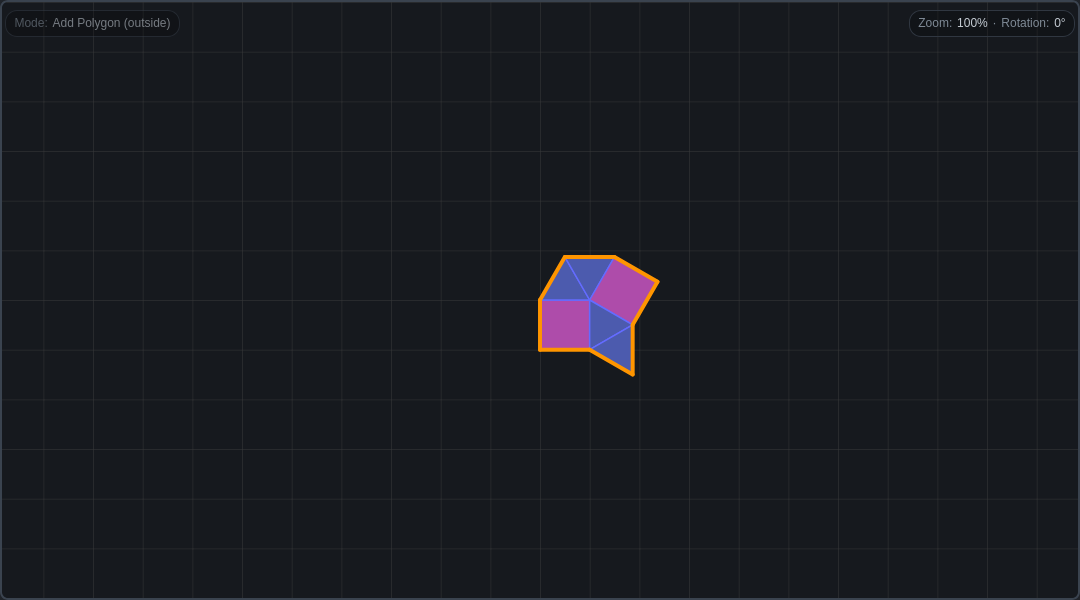
Last: deleting / erasing. This is a real pain point. Not so much when you grow things, because you have the undo button. But when you want to delete already given tessellations, like the one you started with. The problem is that the deletion must be validated, otherwise you could end up with an invalid tessellation. And algorithmically is quite complicated, it must undo a lot of relations in a DCEL structure. So: for now there is no “bulk deleting”, you undo polygons one by one; or, and this is the reason for the different deletion points, you can delete (or merge) all the polygons sharing an edge or a vertex. Definitely an area where the user experience must be improved and where we could provide more powerful APIs from the dcel library.
If you feel like adding more comments or additional feedback to these or other issues, I will be truly happy to try to address them.
Yes exactly that’s what I mean.
What you describe is probably a lot more efficient, but is the kind of thing that only advanced users think about
Yeah I see, I think part of the issue is that you have to select things twice: the polygon and then the edge/center. Would it be possible to directly show the edges/centers instead ? (Maybe only around the mouse so it doesn’t get too overwhelming)
(And maybe with such a system, you could drag across multiple edges/centers to delete them all at once)
I’m already pondering deletion, which must consider the added layer of complexity that the (mobile) touch case brings, where there’s no hover. One possible solution could be a hybrid approach: hover-reveal on mouse and tap-reveal on touch.
@Sporarum the new deletion UI is already online, hover-reveal on mouse and tap-reveal on touch. It definitely feels like an improvement compared to before. If you have time, let me know your feedback.
I think I would increase the hitbox for the dots, as right now it’s hard to select a dot when un-zoomed, and since the eraser does not have a pointer (by that I mean a sharp point)
What I would imagine is maybe a voronoi setup, where the closest point to the cursor is highlighted (within some distance bound, in display units)
Of course the editor deals with finite tilings, the underlying DCEL structure overflows long before reaching infinity, regardless of my optimizations
So a different data structure is needed.
Hinting at that direction, I already introduced this command:
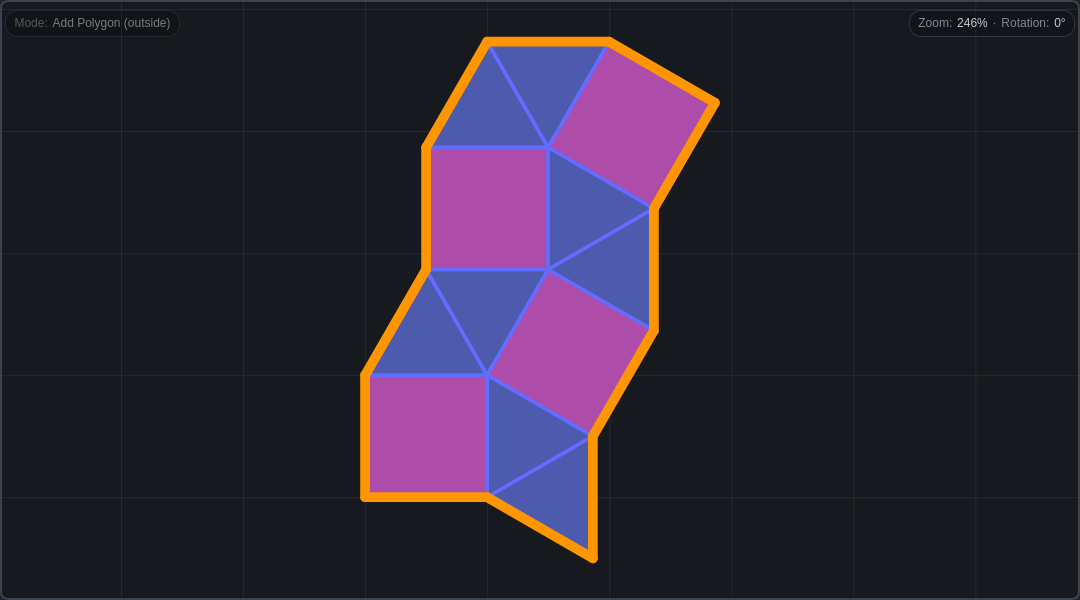
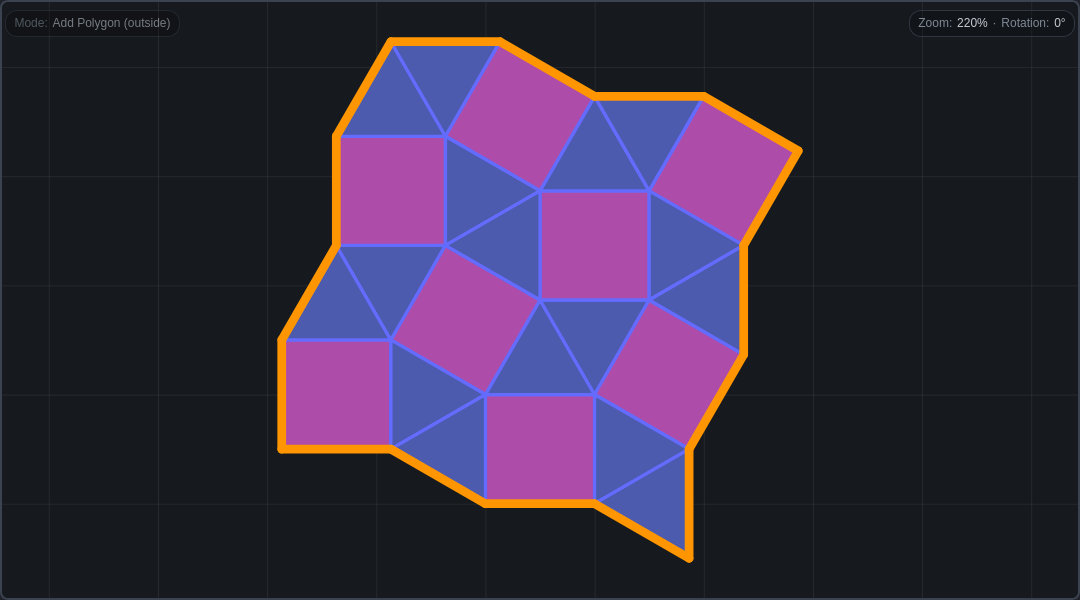
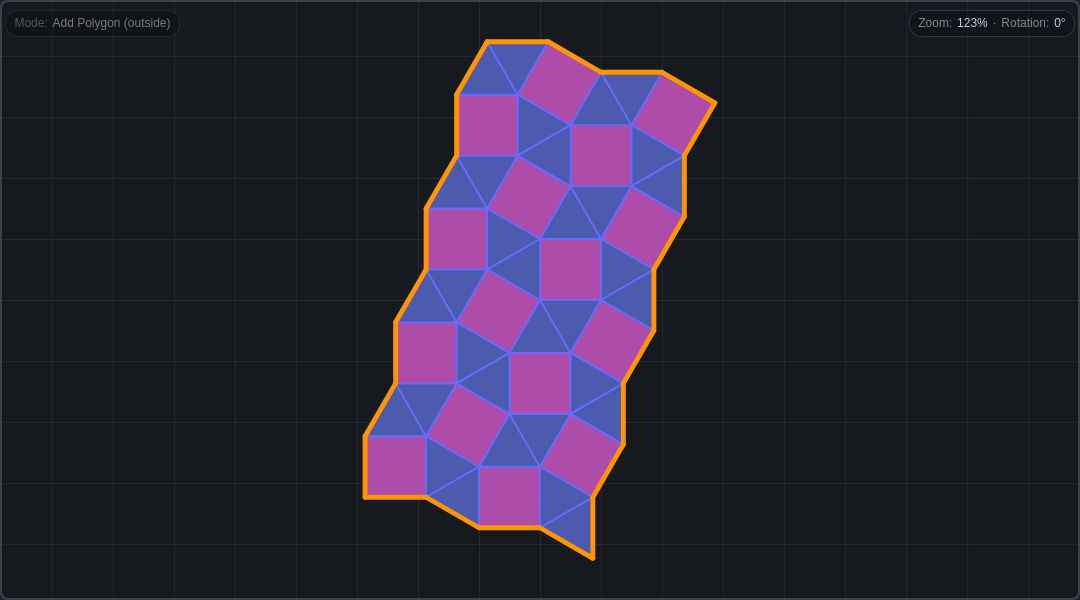
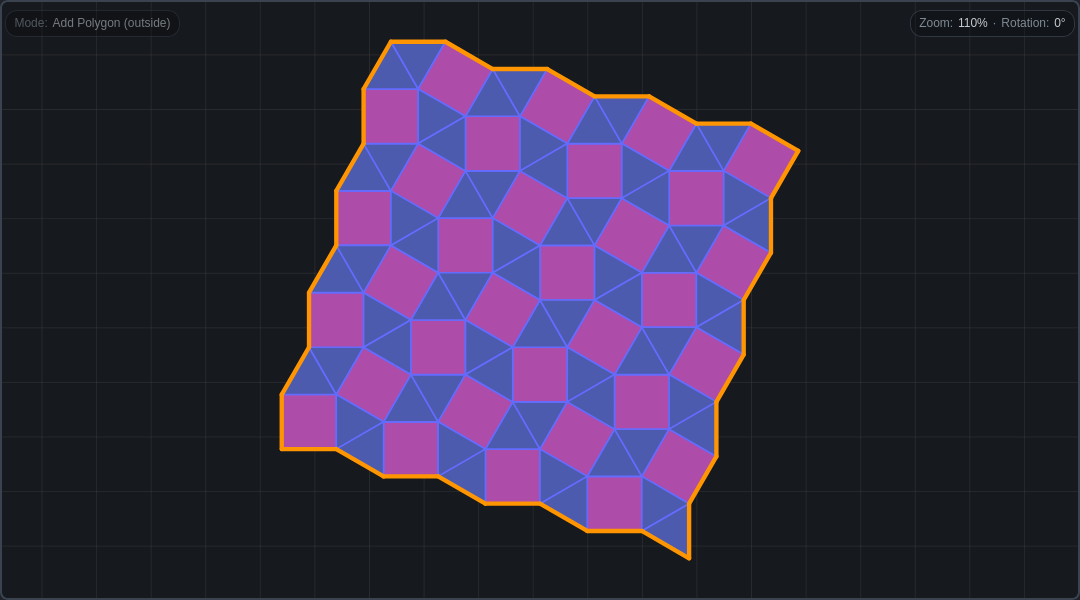
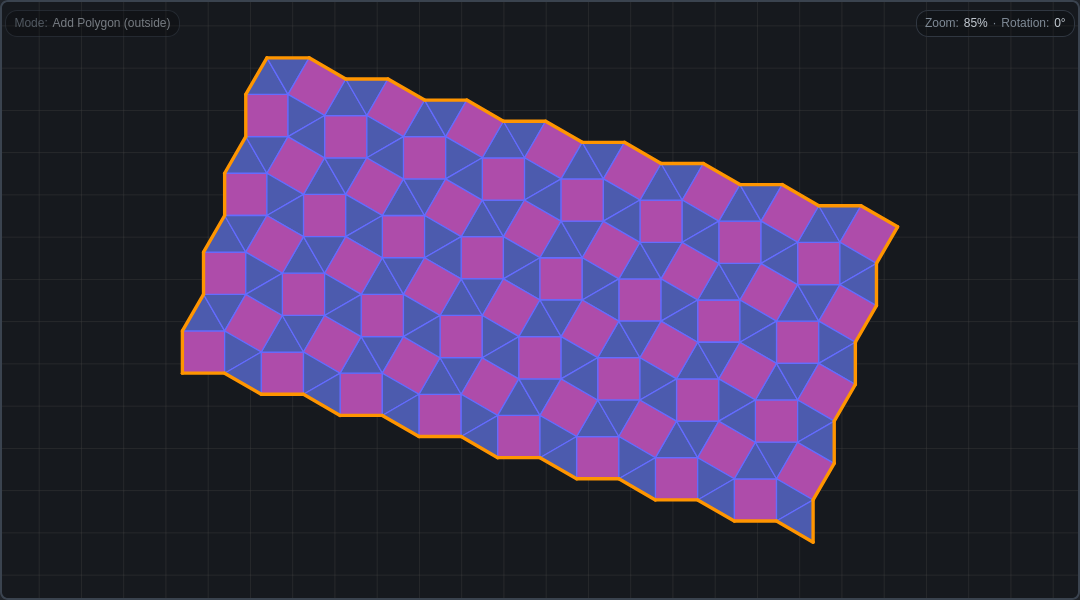
Use Edit → Double to infinite or press D to double the entire tiling. This works only when the boundary is a parallelogon (a polygon whose opposite sides are equal and parallel), so the doubled copies could tile the infinite plane.
Try it, it is quite powerful! (and animated…)
The way I visualize the parallelogon being infinite is in 3D: you connect two opposite sides and get a cylinder; you connect the other two sides (the bases of the cylinder) and you get a torus. The entire surface of the torus is covered by the tessellation.
That is to say that I am quite sure that the different - slightly more concise - data structure could possibly be a DCEL with these “self-connections”. And there could be algorithms converting back and forth from the current DCEL (if parallelogon) to the “torus” DCEL.
Visualizing in 2D the infinite tiling is trivial. But in the context of the editor is a kind of suspended snapshot, just a view, no editing.
Yes, it is an iterative procedure that eventually covers the whole plane, tending to infinity. And the “atomic” parallelogon is the “seed” of the infinite (periodic) tiling.
Oh I see, that is not the intuition I have for “Double to infinite”, I would expect that pressing it once fills the plane (or maybe only on one axis, and pressing it twice covers the plane)
i think a different solution would also be to rename it to something like “Double”
Since the infinite aspect is already present in any notion of doubling
the eraser does not have a pointer (by that I mean a sharp point)
Good point, now the eraser cursor has a crosshair.
rename it to something like “Double”. Since the infinite aspect is already present in any notion of doubling
Not convinced about this, because a finite tiling can be somehow doubled, but only a parallelogon finite tiling can be doubled to infinitely cover the whole plane.
@sporarum I feel this thread is moving away from Scala towards interface design and geometry. I probably already have the Scala community bothered to death … If you would like to discuss more ideas on the editor, perhaps we could move to the GitHub discussions: tessell-art/editor · Discussions · GitHub
 ) measure the selected polygons have also a light orange border, probably confusing. If you deselect them, all these will disappear. Use the Deselect all button — or press Esc — to clear the selection. See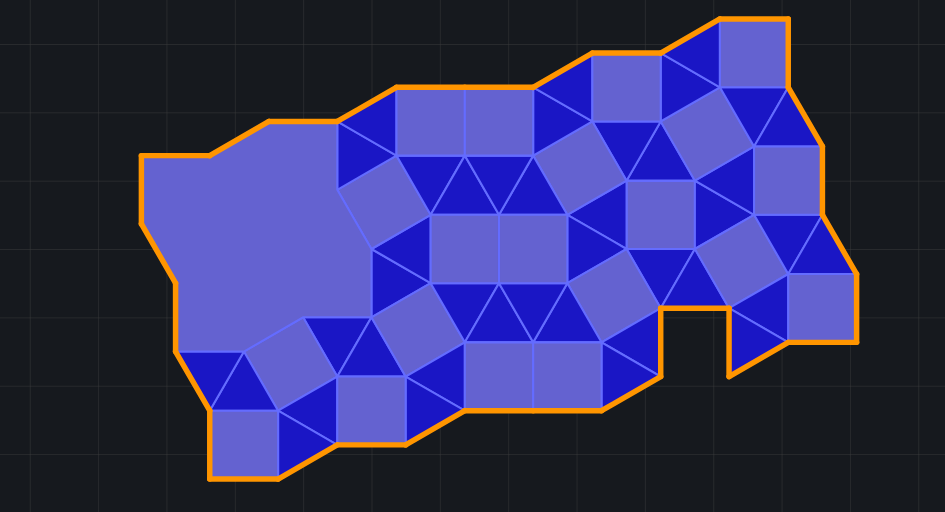
 … If you would like to discuss more ideas on the editor, perhaps we could move to the GitHub discussions: